
Home
Services
About us
Blog
Contacts
Precision Crop and Field Monitoring Software: An Expert Review of Climate FieldView and CropX
Precision crop and field monitoring has moved from a specialist curiosity to a daily working layer on commercial farms. Growers now expect to open an app on a phone or tablet and see soil moisture by depth, planting maps from the last pass, rainfall by field, and satellite imagery of crop vigor — all stitched into one screen. The market reflects that shift. The global precision farming market was estimated at roughly USD 14 billion in 2025 and is forecast to keep compounding at low-double-digit rates through the early 2030s, with North America holding the largest revenue share and software the fastest-growing segment.
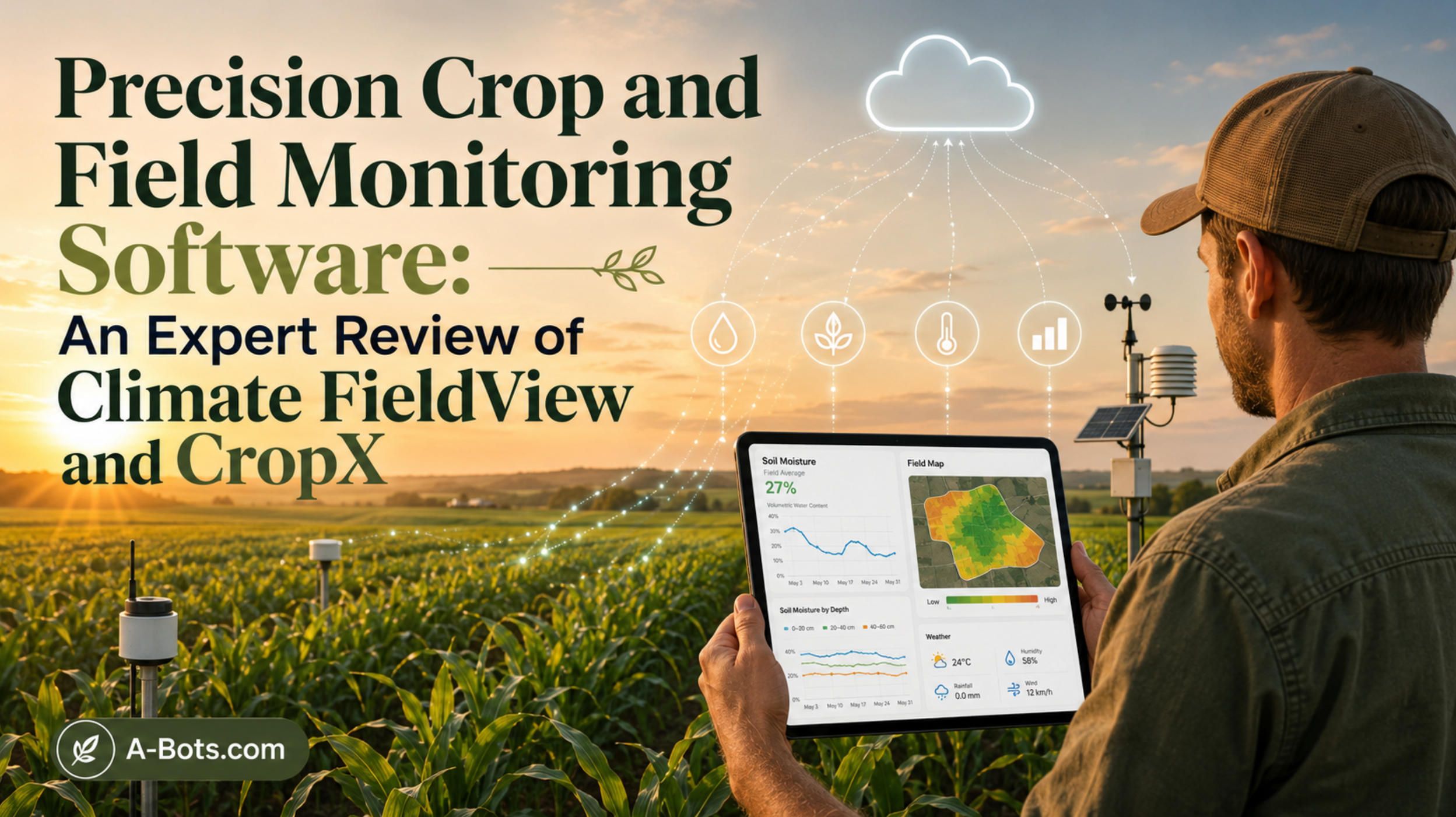
This article does two things. First, it gives a detailed, hands-on style review of two of the leading tools in this space: Climate FieldView and CropX. The Climate FieldView review and the CropX review below look at what each platform actually does, how the mobile apps behave in the field, where pricing lands, and where each product frustrates real users. Second, it steps back to the technology underneath field monitoring — sensors, imagery, connectivity, and analytics — and where custom software fits when an off-the-shelf product stops being enough.
Climate FieldView Review: The Data Platform Most Growers Meet First
Any honest Climate FieldView review has to start with reach. Owned by Bayer and operating since the mid-2000s, FieldView is used across more than 20 countries and reports analyzing data on hundreds of millions of acres. For a large share of North American row-crop growers, it is the first digital agronomy platform they touch, which makes a Climate FieldView review a useful baseline for the whole category.
The product is built around three layers: the FieldView mobile and web apps, the FieldView Drive 2.0 in-cab hardware, and a cloud that collects, stores, and visualizes field data. In practice, the part growers describe most warmly is the live planting map. The FieldView Cab app on an iPad shows planter performance pass by pass, in real time, then uploads it for later analysis. Reviewers consistently single this out: the ability to verify that the planter is doing what it should, then pull historical maps from a phone anywhere, is the feature that earns daily use. This Climate FieldView review weighs that strength heavily, because real-time verification during a narrow planting window is where the platform pays for itself.
On data breadth, the platform is strong. It ingests yield and seeding data, supports imagery review of field health, and lets growers build variable-rate prescriptions for seeding and fertilizer. A second theme in any Climate FieldView review is openness: rather than locking growers into a single brand of equipment, FieldView positions itself around broad machine and data compatibility, including a notable integration with the Precision Planting 2020 monitor. It also connects with farm-management tools such as Conservis and FARMserver, which matters for operations that already keep records elsewhere.
Pricing is tiered. Plans have been listed anywhere from under one hundred dollars to a few hundred dollars per year depending on the tier and season, with a free trial available and the FieldView Drive 2.0 hardware sold separately. A fair Climate FieldView review should note that growers have generally called the platform good value since an earlier price drop, while also flagging that the hardware-plus-subscription model is a recurring cost rather than a one-time purchase.
No Climate FieldView review is complete without the friction. The clearest recent complaint concerns a weather and rainfall interface change: long-time users reported that they could no longer freely browse rainfall totals and 24-hour map coverage the way the older app allowed, and some said they switched to a different rainfall app as a result. The company has responded publicly that the functionality still exists in a reworked form, but the episode is a useful reminder for this Climate FieldView review — when a single vendor controls the interface, a redesign you did not ask for can disrupt a workflow you depend on. Reviewers also caution new users to settle on a consistent field-naming scheme before importing data, because cleaning it up later is tedious. Netting it out, this Climate FieldView review lands on a platform that is mature, widely supported, and excellent for planting and prescription work, with the usual trade-offs of a closed, subscription-driven ecosystem.
CropX Review: Soil Intelligence From the Ground Up
Where FieldView starts with machine and imagery data, a CropX review starts in the dirt. CropX Technologies pairs in-ground sensors with a cloud analytics platform, and the resulting CropX system is built to answer a narrower but deeper question: what is actually happening in the root zone right now. That focus is why a CropX review belongs alongside a broad platform like FieldView rather than in competition with it.
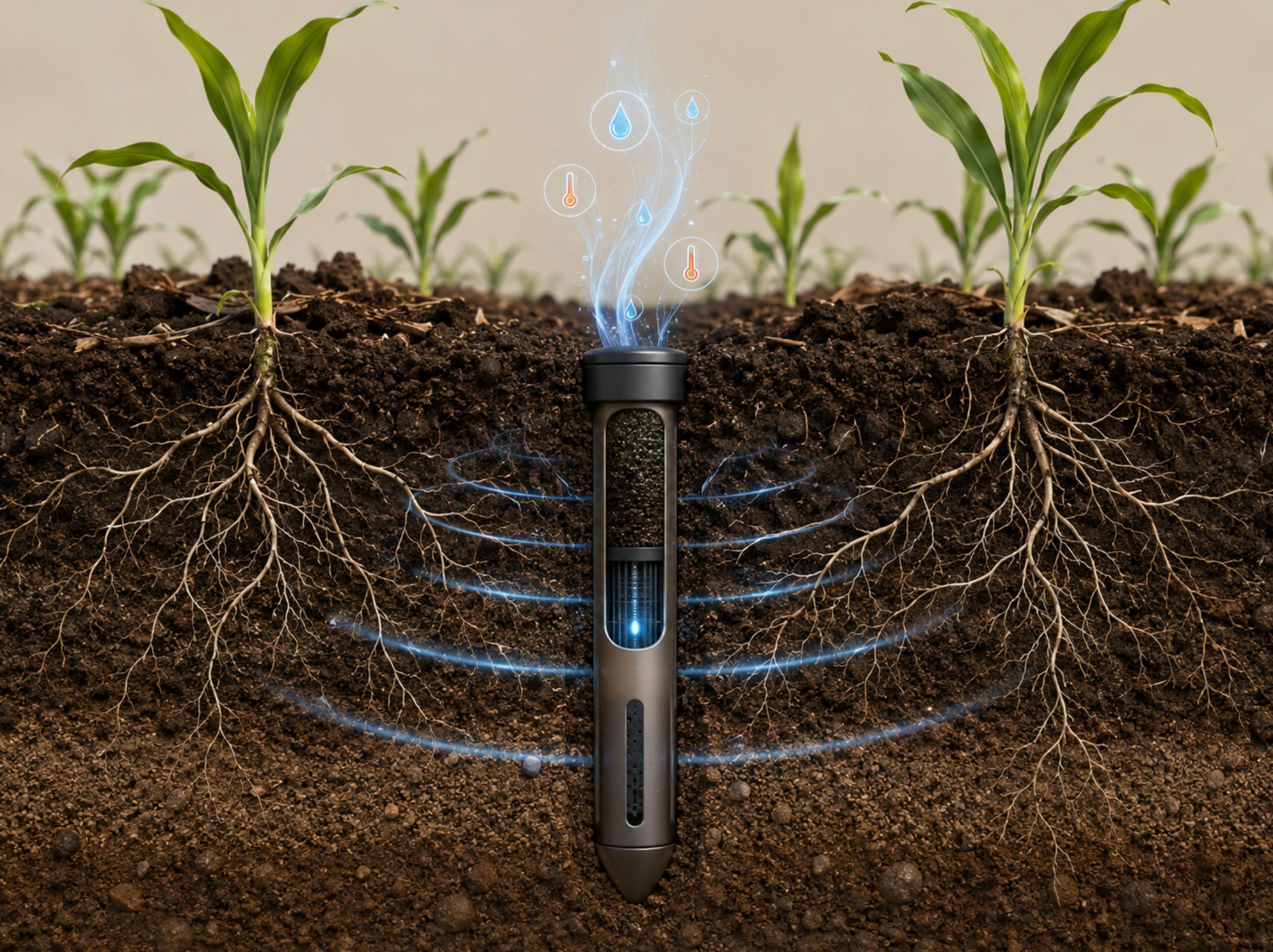
The hardware is the heart of any CropX review. Sensors such as the all-in-one Vertex and the deeper-reading Apex measure soil moisture, temperature, and electrical conductivity at multiple depths, transmitting on intervals that can be configured remotely per crop. Moisture is reported as volumetric water content with a stated accuracy of about half a percent across a wide range, using a self-calibration method that converts electrical readings into usable values. For irrigation decisions, this is the kind of granular, depth-resolved data that a satellite pass alone cannot provide, and it is the single strongest point in this CropX review.
The software side has matured considerably. Beyond raw sensor charts, CropX now offers a full farm-management suite: season planning and crop-rotation history, field and crop-health monitoring, irrigation scheduling, nutrition and salinity tracking, disease-risk flags, and reporting for seasonal review, audit, and compliance. A current CropX review should also note the expanding device portfolio — the Strato 1 in-field weather station launched in 2025, a real-time nitrate sensor was put into development for the 2025/26 season, and the company has pushed integrations outward, including viewing CropX data inside Reinke's ReinCloud 3 center-pivot platform so growers stop toggling between separate interfaces.
The mobile app, available on iOS and Android, sends moisture, temperature, and crop-stress updates straight to the grower's phone. A real-world example sharpens this CropX review: in a Tennessee field-day demonstration, grower Johnny Verell used CropX Vertex sensors to make decisions on dryland acres — timing fungicide applications, monitoring root depth by variety, and predicting soil-moisture trends even without irrigation. The takeaway for this CropX review is that the value is not limited to heavily irrigated operations; depth-resolved soil data informs decisions on rain-fed ground too.
On cost, a candid CropX review has to acknowledge the model: sensors are a per-unit hardware purchase in the several-hundred-dollar range, layered with an annual per-sensor subscription. For a large operation that wants dense spatial coverage, those per-sensor costs scale quickly. The other limitation surfaced by users is onboarding. One detailed review praised the sensors and app for accurate, reliable data transmission, then criticized the lack of hands-on expertise and process monitoring during setup — installation was described as work-demanding with limited professional help. So this CropX review closes on a platform that delivers genuinely deep soil intelligence and a maturing software stack, held back mainly by per-sensor economics at scale and a setup experience that rewards growers who already have agronomic support.
What Field Monitoring Actually Requires
Set against each other, this Climate FieldView review and the CropX review point to one conclusion: the two products are not really competitors, but two layers of the same stack. FieldView is strongest at machine data, imagery, and prescriptions across a whole operation. CropX is strongest at depth-resolved soil truth in specific fields. Most growers who get serious about precision crop and field monitoring eventually want both layers — and that is where the limits of any single off-the-shelf product start to show.
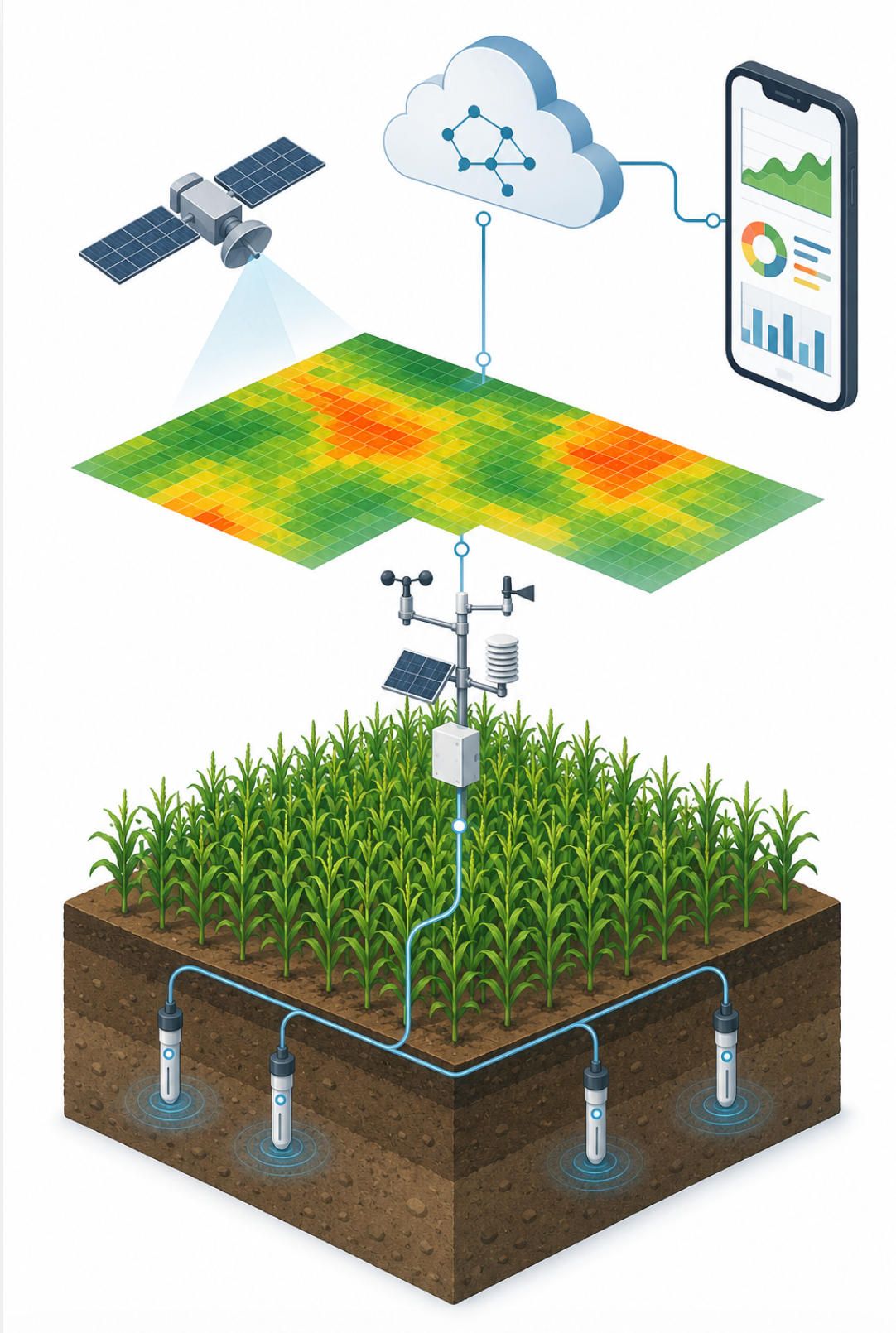
It helps to see the full technology picture. Effective field monitoring usually combines several data sources. Soil sensors report volumetric water content, temperature, and electrical conductivity at varying depths. In-field weather stations capture hyperlocal conditions that regional forecasts miss. Satellite and aerial imagery, often expressed as vegetation indices such as NDVI, reveal vigor and stress patterns across an entire field. Machine telemetry records exactly what was planted or applied, and where. Variable-rate technology then turns all of that into site-specific seeding, fertilizer, and water decisions. The market data tracks this: yield monitoring remains the largest application, while irrigation management and weather tracking are among the fastest-growing — which is precisely why soil-and-weather players like CropX and prescription-and-imagery players like FieldView are both expanding.
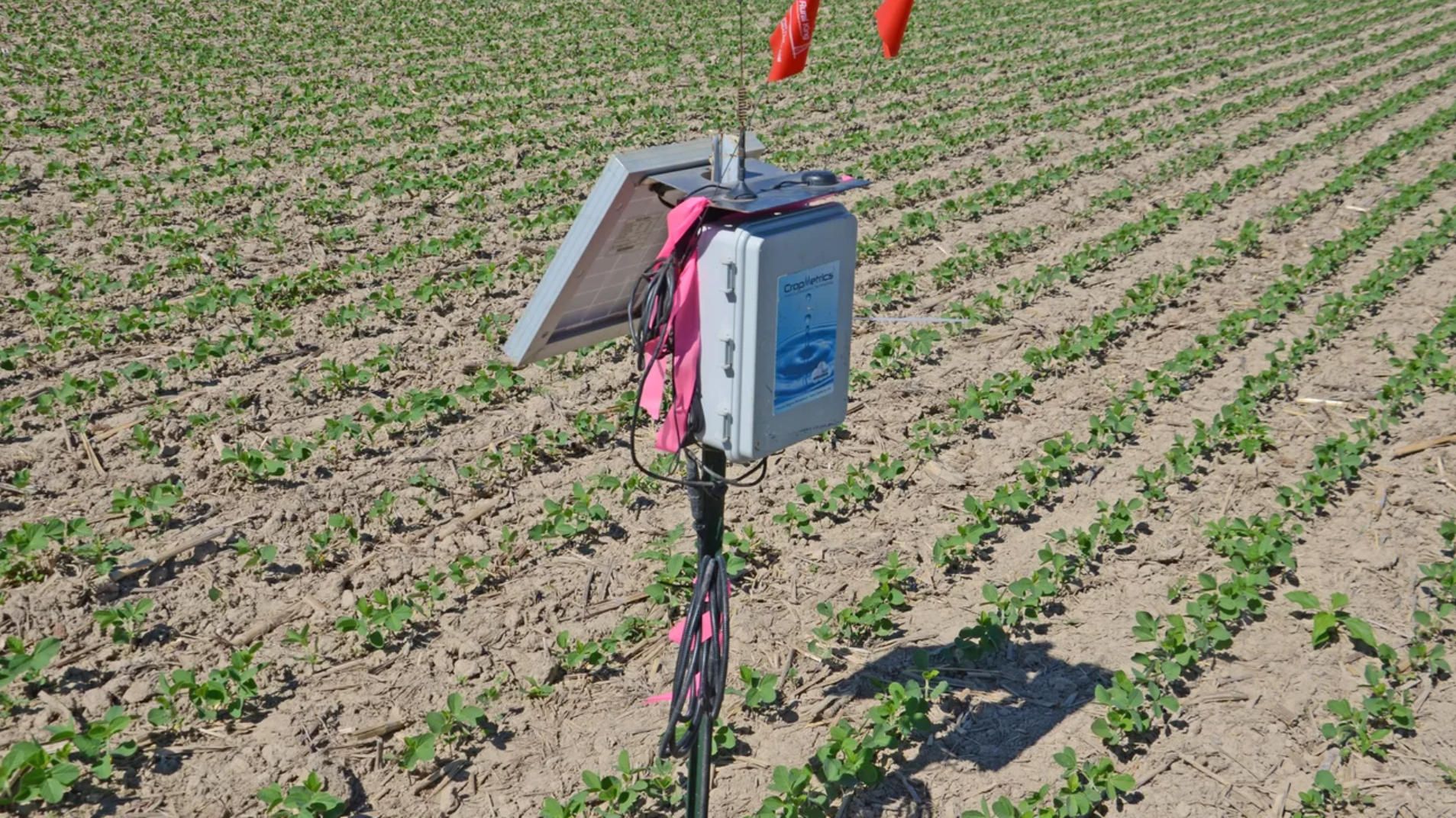
Two practical problems show up once an operation runs more than one of these systems.
The first is connectivity. Many fields sit in cellular dead zones, yet the whole premise of monitoring is timely data. Serious deployments increasingly mix cellular, satellite backhaul, and low-power wide-area options such as LoRaWAN to move sensor data out of remote ground, and they need apps that behave sensibly offline and sync later rather than simply failing when signal drops.
The second is integration. The Reinke and CropX tie-up exists for a reason: growers hate toggling between separate dashboards for irrigation, soil, weather, and machine data. Every vendor wants to be the single pane of glass, but no single vendor covers every sensor, every machine brand, and every legacy system already on the farm. That leaves real gaps in the off-the-shelf market: per-seat or per-sensor pricing that punishes scale, closed ecosystems that resist third-party hardware, interface redesigns imposed by the vendor rather than chosen by the grower, weak offline behavior, and the absence of a branded, operation-specific app for agribusinesses that want their own growers or agronomists inside one tailored tool.
Where Custom Development Fits — and How A-Bots.com Can Help
As this Climate FieldView review and the soil-sensor findings both showed, a platform like Climate FieldView or CropX is the right answer for a great many farms. The case for custom software appears at the edges: when an agribusiness needs to pull several sensor brands and one or more existing platforms into a single branded app; when per-sensor or per-seat costs stop making sense across hundreds of fields; when a deployment needs to work offline in connectivity dead zones; when proprietary hardware needs its own firmware, telemetry pipeline, and dashboard; or when a company simply does not want its core agronomic workflow locked inside someone else's subscription and roadmap.
This is where A-Bots.com works. We build custom mobile and web applications, IoT firmware and device integration, cloud back-ends, and the analytics layer on top — for the whole project or for a single piece of it. If you have a working platform and want it stress-tested, we also provide independent QA and testing of existing field-monitoring apps, from sensor-data accuracy and offline sync to load and integration testing. Concretely, that can mean a branded grower app that unifies soil, weather, imagery, and machine data; an offline-first field tool with later sync; firmware and a connectivity layer for your own sensors over cellular, satellite, or LoRaWAN; integrations that let your data live alongside platforms your growers already use; or a focused QA engagement on an app you already shipped.
If you need software or a mobile application built around precision crop and field monitoring — a full product, a specific module, or thorough testing of what you already run — A-Bots.com will gladly design and build it to your requirements. Tell us what your fields and your growers need, and we will scope it with you. Reach out at info@a-bots.com.
✅ Hashtags
#PrecisionAgriculture
#AgTech
#FieldMonitoring
#SmartFarming
#IoT
#ClimateFieldView
#CropX
#AppDevelopment
Other articles
Field Service ERP Apps: Connecting Technicians, Dispatchers, and Customers How field service ERP apps turn technician visits, dispatcher decisions, spare parts usage, customer communication, and ERP records into one connected workflow. It focuses on the business value of custom mobile app development for service companies, manufacturers, facility teams, equipment providers, and field operations. The key concept is Service Profitability Control - a mobile module that helps companies see whether a visit is becoming profitable or unprofitable before the technician leaves the site. The article also covers offline mode, first-time fix rate, dispatch intelligence, ERP integration, customer proof, AI-assisted service, and secure mobile workflows.
Warehouse and Inventory Mobile ERP Apps: From Barcode Scanning to Real-Time Stock Control How warehouse and inventory mobile ERP apps connect physical stock movement with real-time ERP data. It focuses on barcode scanning, QR workflows, receiving, picking, packing, stock transfers, cycle counts, returns, damaged goods, offline synchronization, audit trails, and ERP or WMS integration. The key idea is the Inventory Truth Engine - a custom module that shows not only stock quantity, but also how trustworthy that quantity is. The article positions custom mobile app development as a practical way for companies to reduce inventory errors, improve fulfillment accuracy, protect margin, and make ERP data more reliable.
ERP Apps for Manufacturing and Equipment Companies: Production, Maintenance, Spare Parts, and After-Sales Control This article explains how manufacturing and equipment companies can use custom ERP mobile apps to connect production data, installed equipment, spare parts, maintenance, warranty, dealer networks, and after-sales revenue into one controlled lifecycle. The key concept is the Installed Base Revenue Radar - a custom module that helps manufacturers understand what each sold machine is likely to need next: maintenance, parts, warranty attention, dealer follow-up, upgrades, or service contracts. The article shows why ERP should not stop at the factory gate and how mobile apps can turn every sold unit into a managed service asset.
How to Build a Custom ERP Mobile App How to build a custom ERP mobile app as a controlled execution layer, not just a smaller ERP screen. It shows why mobile ERP architecture must protect the system of record while allowing field teams, warehouse workers, managers, dealers, and service staff to complete real workflows at the edge of the business. The article covers integration layers, offline-first synchronization, action-based security, AI governance, human-in-the-loop control, audit trails, and the Enterprise Workflow Command Center - a trigger feature that gives companies visibility into mobile transactions, sync risks, approvals, validation errors, and ERP workflow health.
Canon Printer App for Android: A Real Setup Guide Getting a printer to work from an Android phone should be simple, and with most Canon models it is: the right Canon printer app for Android finds the printer and prints on the first try. But branded printer apps still fail sometimes, as a real Xerox Phaser 3020 case shows, where the official plugin refused with "device not supported." This guide explains what the official Canon printer app for Android options are, why a universal app like NokoPrint often succeeds where the branded one stalls, and the exact manual fix, an IP address plus port 9100, that prints when nothing else will. It closes with how A-Bots.com builds reliable companion apps for connected hardware.
Top stories

Copyright © Alpha Systems LTD All rights reserved.
Made with ❤️ by A-BOTS